
Sell Chest
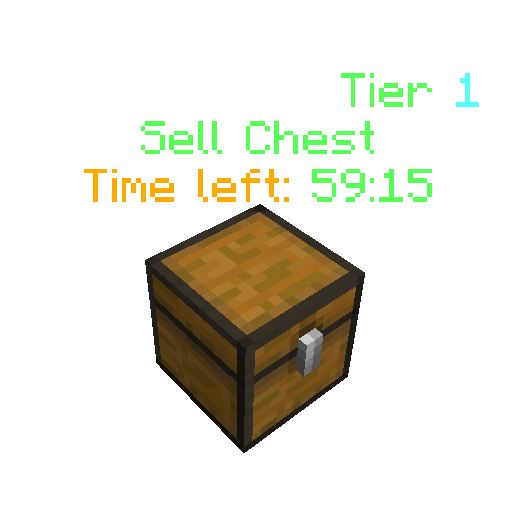
The sell chest allows easy automation of mob or item farms in order to earn money once the timer hits zero.
There are 4 tiers of sell chests, with each tier offering a shorter time between each sell cycle. These chests cannot be crafted in the standard crafting table and can only be obtained in the Upgrades menu.
Any sellable item in the spawn shop can be automatically sold in the sell chest! For more information on what you can sell, take a look at the Spawn Shop wiki!
The Sell Chest Menu
To open the menu for the sell chests, simply Shift + Right Click the chest to open the sell chest menu.
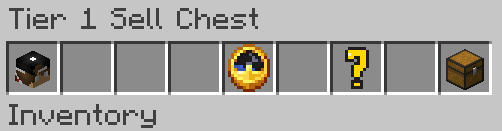
Here you will see several options. On the far left is the Sell Chest Owner. This is the player where the money is deposited when the timer hits zero. When the timer hits zero, the sell chest owner will recieve a message that they have recieved money from the sell chest. To disable messages like this, type /k togglesc in chat to disable sell chest messages.
In the middle you will see the Sell Chest Timer. This is the time remaining in between each sell cycle.
On the far left, you will see a chest. When clicking it, you can pick up the sell chest.
To change the owner of the sell chest, simply pick it up, and place it down again.
Tier 1 Sellchest
- Rate: 1 hour per sell
Tier 2 Sellchest
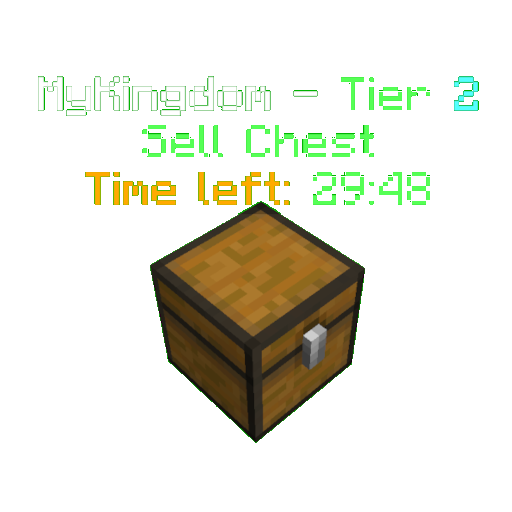
- Rate: 30 minutes per sell
Tier 3 Sellchest
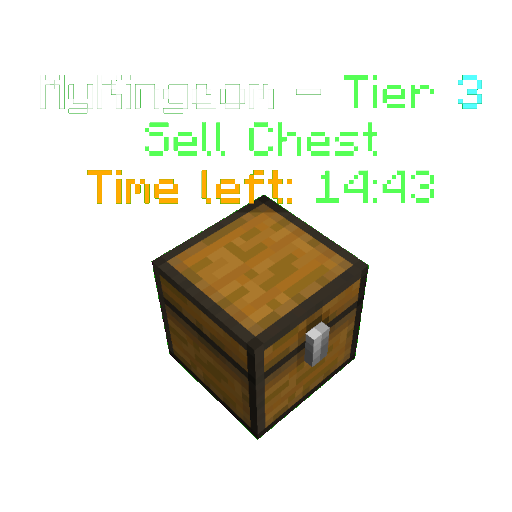
- Rate: 15 minutes per sell
Tier 4 Sellchest
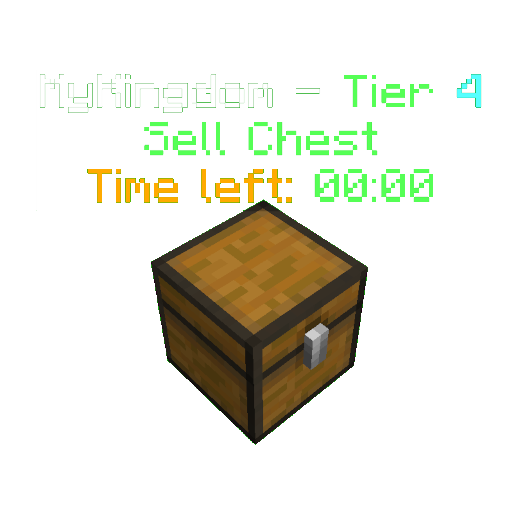
- Rate: 7 minutes per sell